For Terminal 1:
Narita Airport Terminal 1 Station
International check-in is on 4F. Fit a meal on Central Building 4F and views or a break on 5F around your departure procedures.
Plan your time in T1 →NARITA, BEFORE YOU FLY.
A delicious meal. A moment watching planes.
And a little last-minute shopping.
Make the time before boarding part of your journey.
Narita Airport: Enjoy Your Time Before Departure
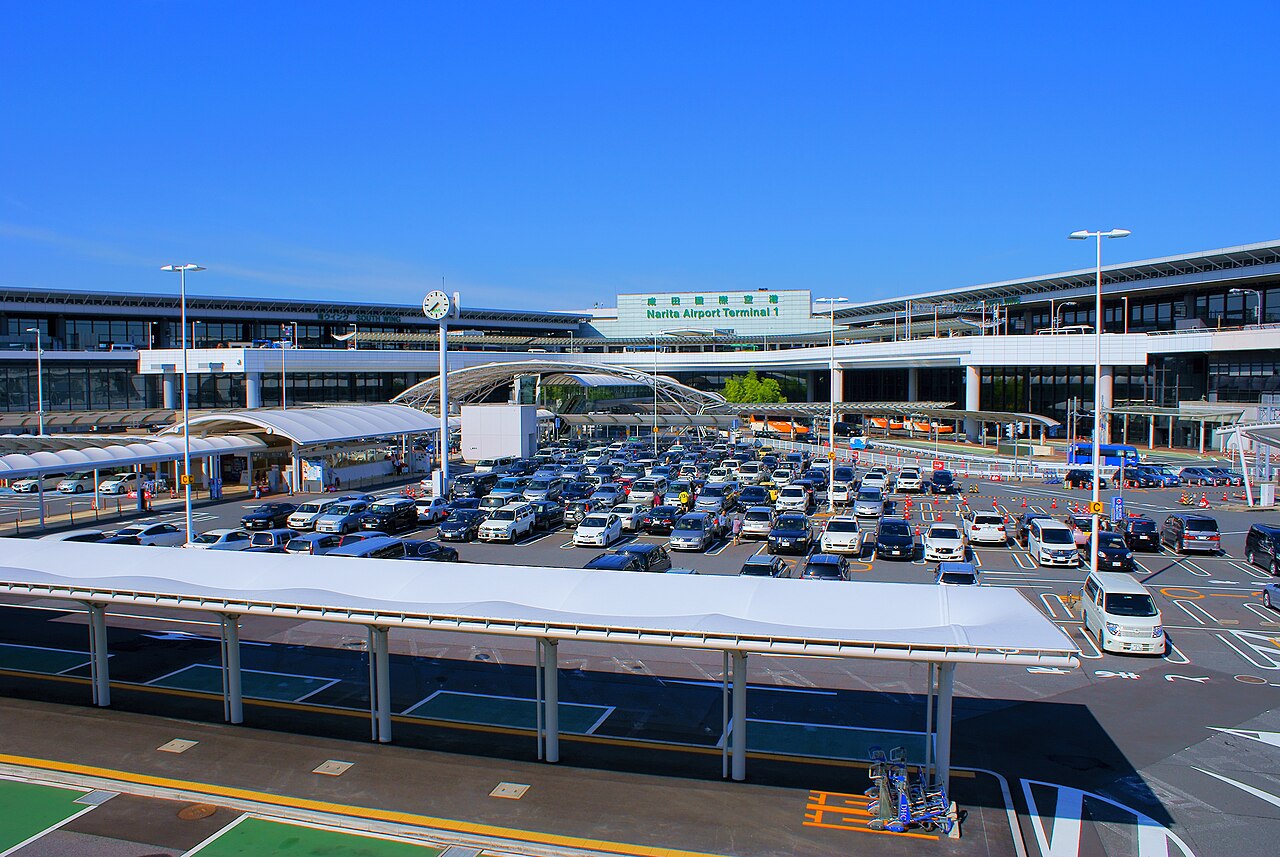
Start by checking your departure terminal.
Choose food and rest facilities on the right side of security and immigration. JDF shopping is after international departure formalities.
FIND YOUR TERMINAL · NRT
Narita Airport only | Search by airline name, flight number, or 2-/3-letter code.
This is an airline directory. Confirm your actual flight, operating airline and boarding pass. Codeshare flights may use a different terminal.
Names in Japanese, English, simplified/traditional Chinese and Korean; common Thai/Vietnamese names also supported. Try an abbreviation or code.
Enter a clue, then select “Find terminal”.
Source: Narita Airport airline directory | Checked: 21 Sep 2026
BEFORE YOU EXPLORE
Search by flight number or destination for departure times and changes.
See the official Narita Airport website for the latest flight status.
Opens the official list for all terminals.
Live flight status is not displayed within this page.
CHOOSE YOUR TERMINAL
Check your boarding pass or booking,
then choose your terminal.
T1Dine on 4F. Watch the sky and unwind on 5F.
14 food & café options / Views & rest / Useful facilitiesExplore this terminal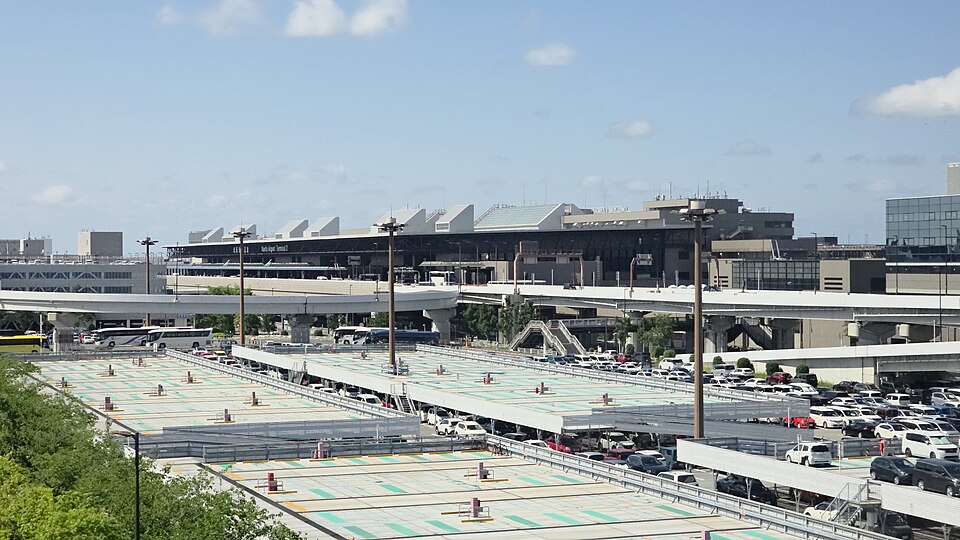 T2
T2Food and runway views on 4F.
14 food & café options / Observation decks / Useful facilitiesExplore this terminal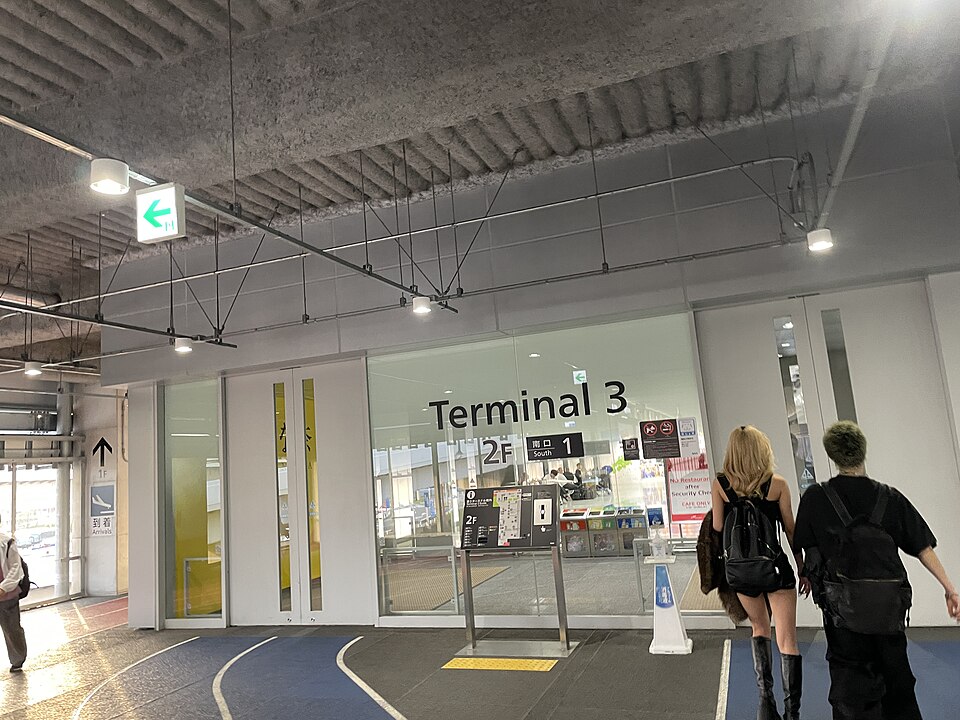 T3
T3Food-court favourites, then a relaxed departure.
8 food & café options / station access / useful facilitiesExplore this terminalThe coupon in this guide is for participating stores after international departure formalities in T1 and T2. They are not freely accessible to T3 or domestic passengers. Prioritize facilities and departure procedures in your own terminal.
Check your airline’s terminalOfficial airport mapARRIVE AT THE RIGHT PLACE
International check-in is on 4F. Fit a meal on Central Building 4F and views or a break on 5F around your departure procedures.
Plan your time in T1 →International check-in is on 3F. Restaurants and observation decks are on Main Building 4F. T3 uses the same station but is a separate terminal.
Plan your time in T2 →Narita Station and Keisei-Narita Station are not directly connected to the airport terminals. Check your station and terminal names. Taking a shuttle to another terminal does not give you unrestricted access to its international airside area.
FIND YOUR NEXT STOP
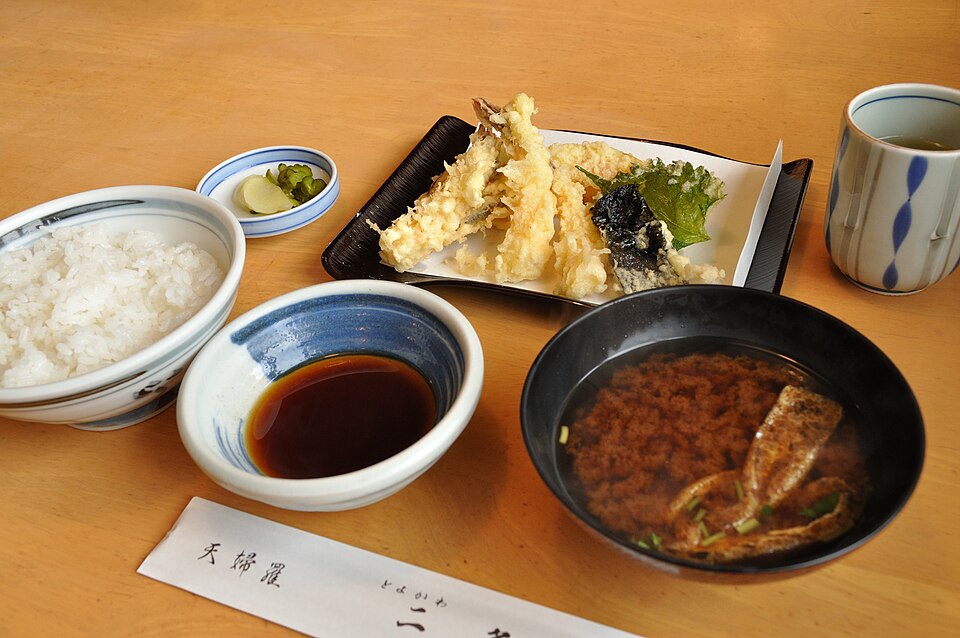
Sushi, soba, tonkatsu, noodles and coffee: 28 places across T1 and T2, plus 8 in T3.
Find showers and rest facilities before and after departure formalities for a more comfortable wait.
Check kids’ parks and baby care rooms for playtime and care before boarding.
Locate Wi-Fi, power outlets and prayer rooms before you fly.
A LITTLE MORE JAPAN
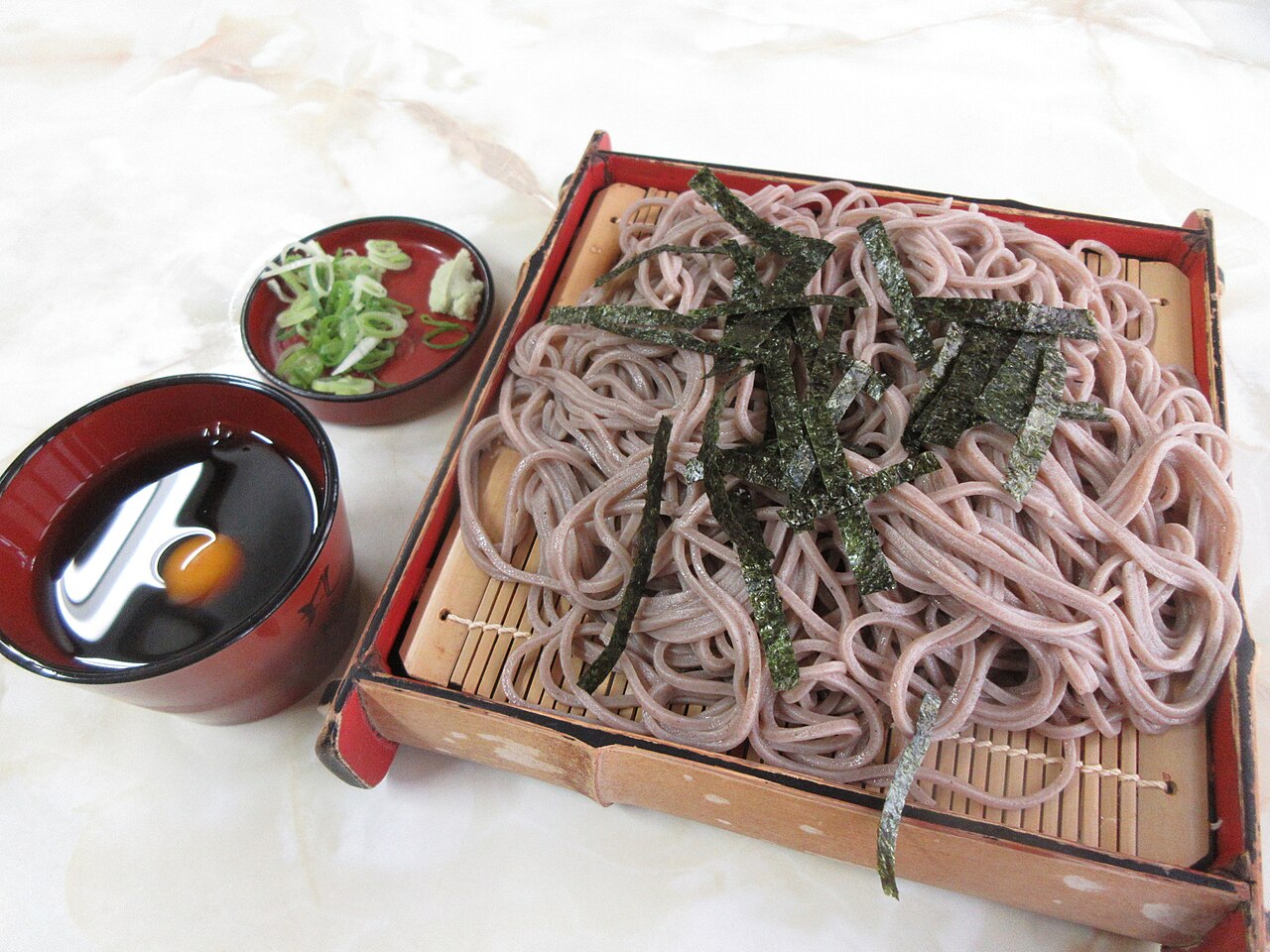
Soba, a set meal or a familiar favorite. Choose your last meal at your own pace.
Browse places to eat →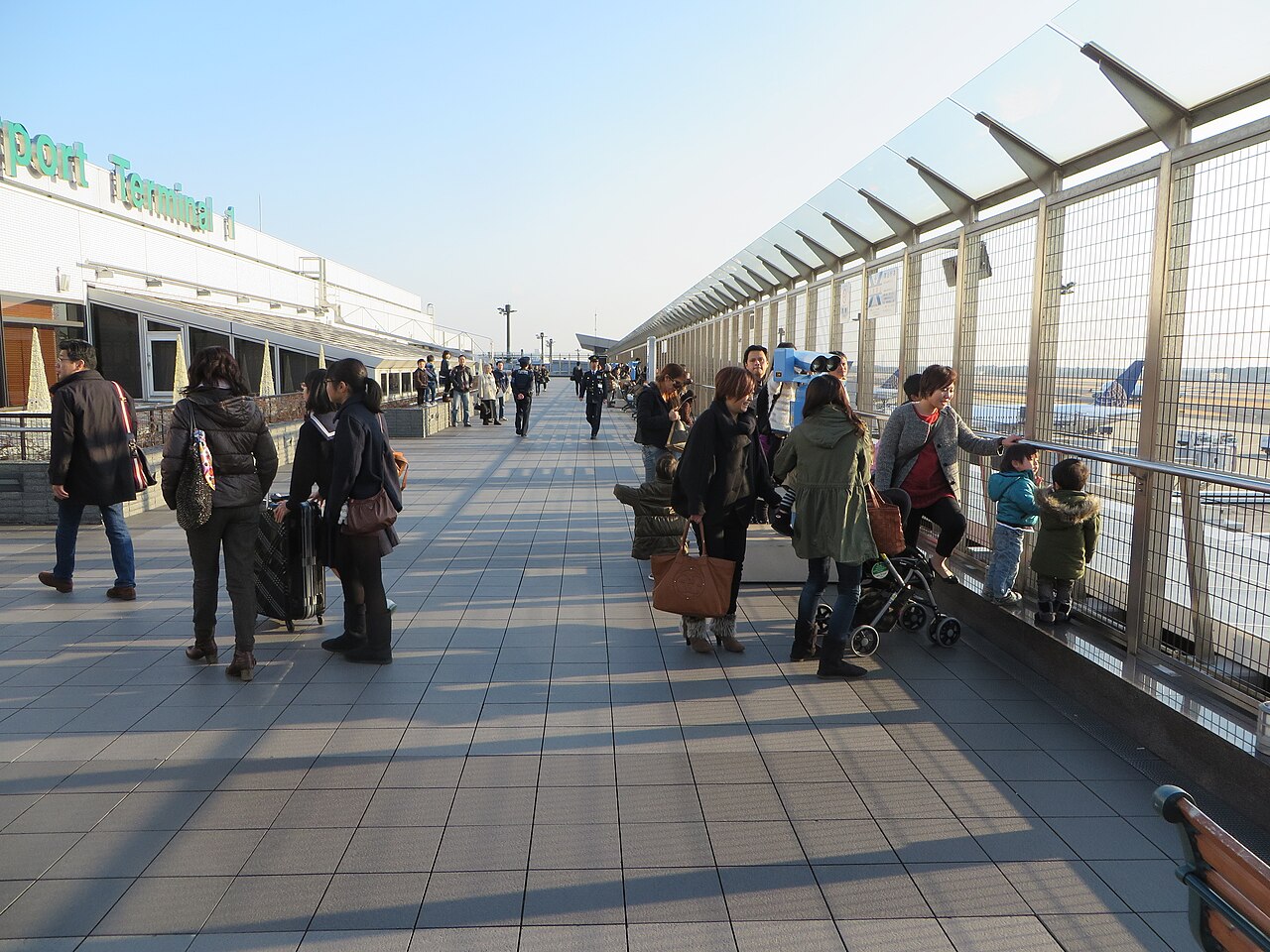
Watch planes from the deck or look back on your trip over coffee.
Find views and relaxation →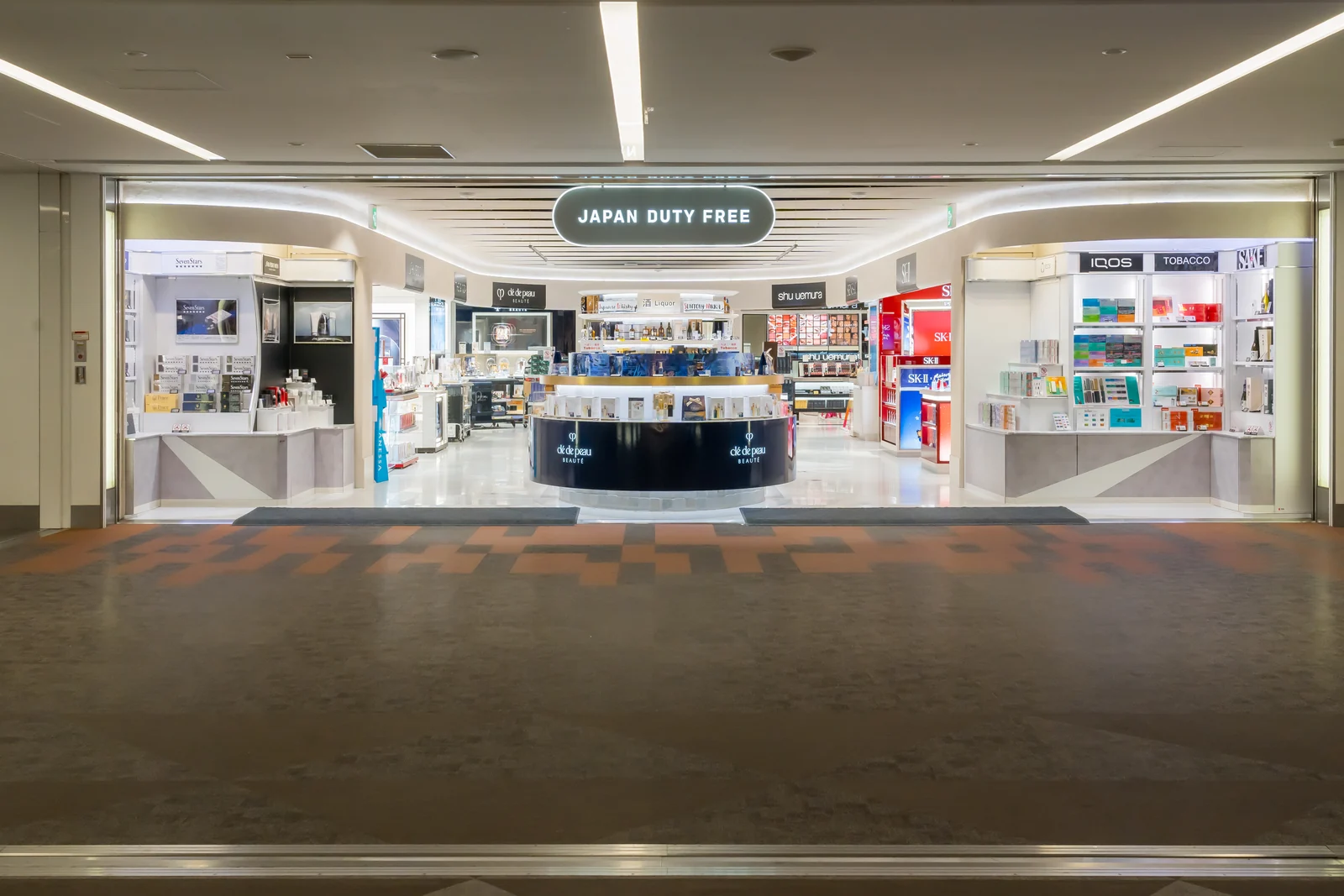
Visit JAPAN DUTY FREE after departure formalities. Open the coupon for same-day shopping.
Explore shopping savings →YOUR DEPARTURE JOURNEY
Follow your airline’s instructions and allow time for check-in, bag drop and departure procedures before choosing where to stop. This is a sample itinerary; you do not need to visit every place.
THE LAST SHOPPING
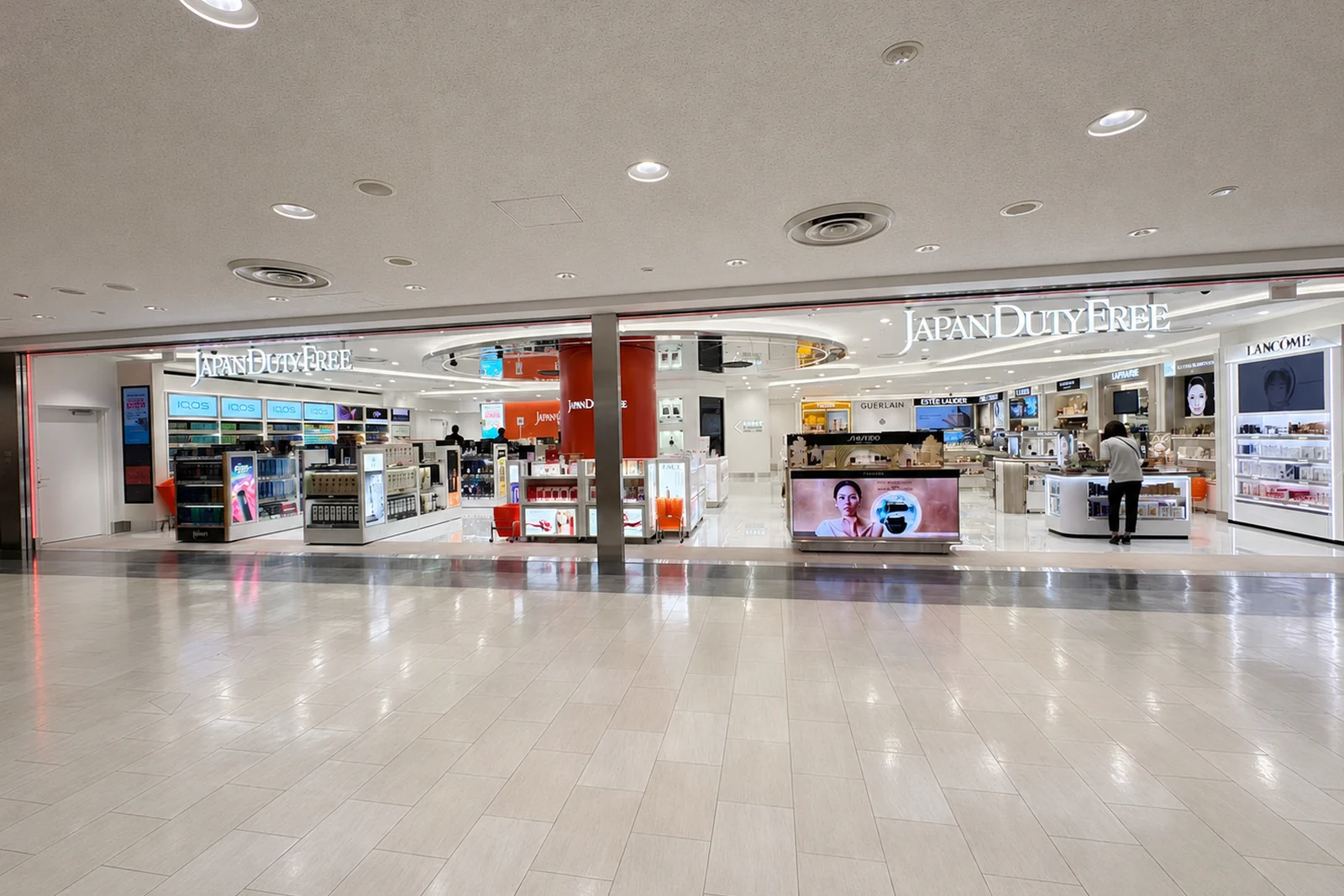

Participating stores in T1 North Wing and T2
Spirits, cosmetics, perfume and sweets. Pick up something that caught your eye in Japan or one more gift before departure. For in-store shopping, open your coupon before paying.
Some products are excluded. Cannot be combined with other service coupons. Check the linked terms and ask staff about eligible products and conditions.
This coupon is for participating Narita stores. Check your departure terminal and the store’s location before using it.
See the reservation website for ordering deadlines, products and prices. Same-day in-store coupons and advance-payment benefits have different conditions.
Official Narita pre-order website ↗BEFORE YOU GO
These ticks are only notes on this screen.
GOOD TO KNOW
This coupon is for participating JAPAN DUTY FREE stores after international departure formalities at Narita. It is not valid at the restaurants in this guide. See the coupon for eligible products and conditions.
T3 and domestic passengers cannot freely access the international airside stores in T1 and T2. Follow the guidance for your departure terminal; do not visit another terminal solely to use this coupon.
This depends on your airline, flight, luggage and queues. Check your airline’s recommended arrival time and check-in deadline. Allow time for security, immigration and the walk to your gate, then fit food and shopping into the time remaining.
The finder uses airlines’ usual terminals, not a live flight lookup. For codeshare flights, the airline you booked with may differ from the operating airline. Check “operated by” in your booking and the airport’s official flight information for your travel day.
Back to the terminal finder →